AI Animation Generator
Turn your text into AI animations or bring your artwork to life with Vidu's free AI animation generator. It's fast, easy, and delivers high-quality animated videos.

Fast Generation Speed
Say goodbye to long wait times and experience the efficiency of AI-powered animation.

Seamless AI Animation
Vidu AI animation generator ensures seamless transitions and lifelike movement throughout your videos.

Generate Anything in Animation
From anime characters to scenery, our AI animation generator brings all your creative ideas to life.
Generate Anything in Animation
From anime characters to scenery, our AI animation generator brings all your creative ideas to life.
Fast Generation Speed
Say goodbye to long wait times and experience the efficiency of AI-powered animation.
Seamless AI Animation
Vidu AI animation generator ensures seamless transitions and lifelike movement throughout your videos.
Generate Anything in Animation
From anime characters to scenery, our AI animation generator brings all your creative ideas to life.
Fast Generation Speed
Say goodbye to long wait times and experience the efficiency of AI-powered animation.
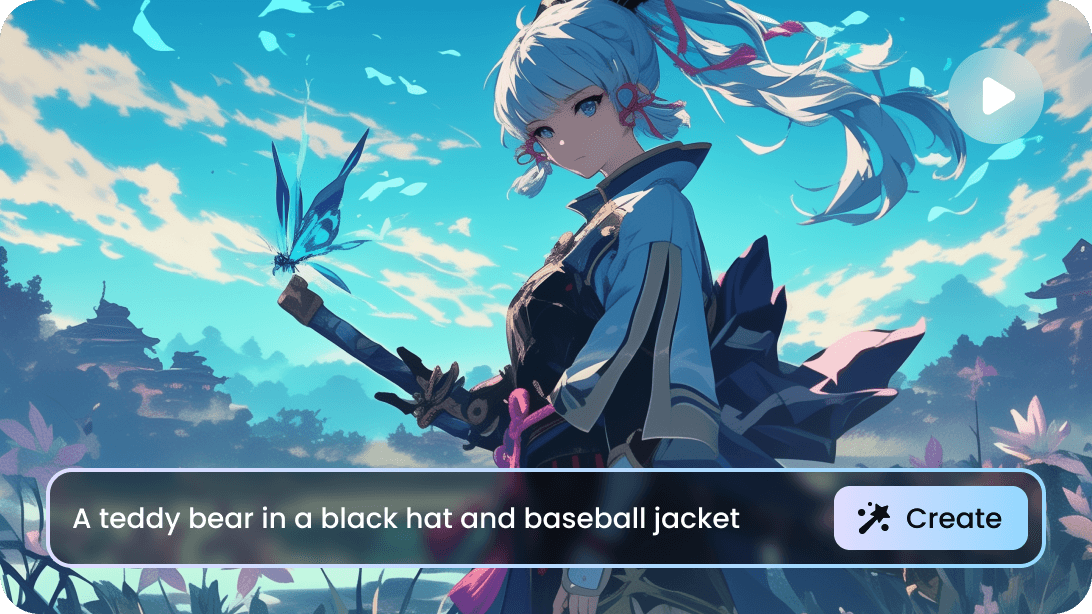
Text to Animation Video with One Click
Generate animations from text without any skills. With Vidu's AI text-to-animation generator, you can easily convert text or artwork into animated videos, allowing you to create high-quality animation videos in seconds.
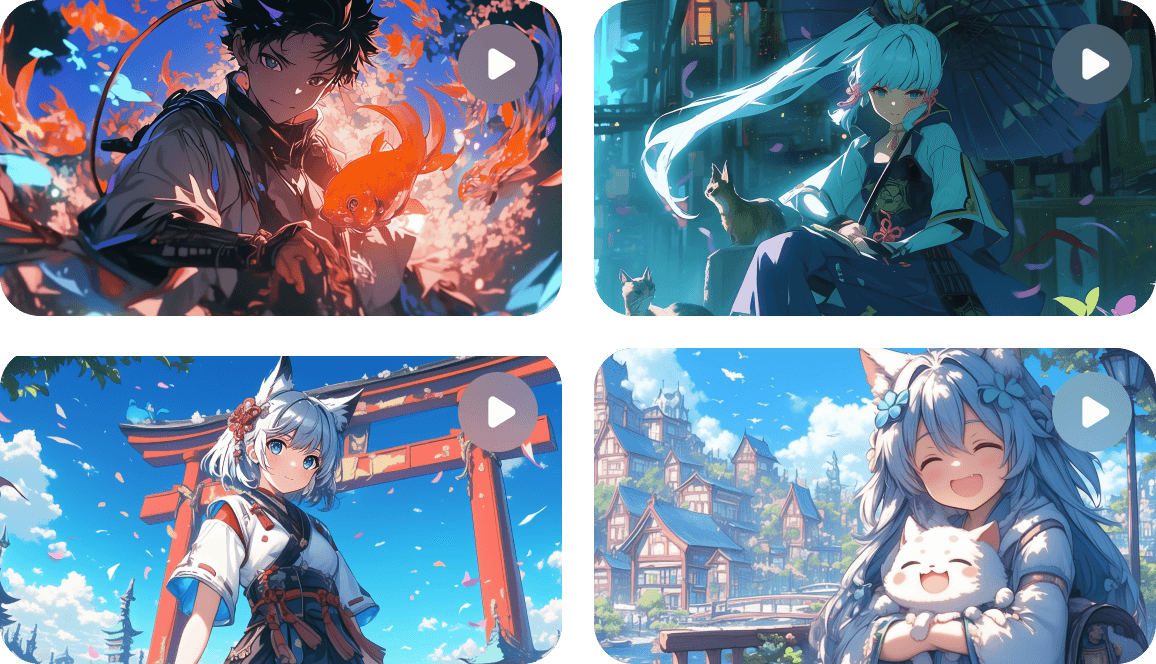
Generate Multiple Animations at Once
Create up to four unique animation variations with a single click, letting you compare different effects to find the perfect one. Save time and easily experiment with multiple options!
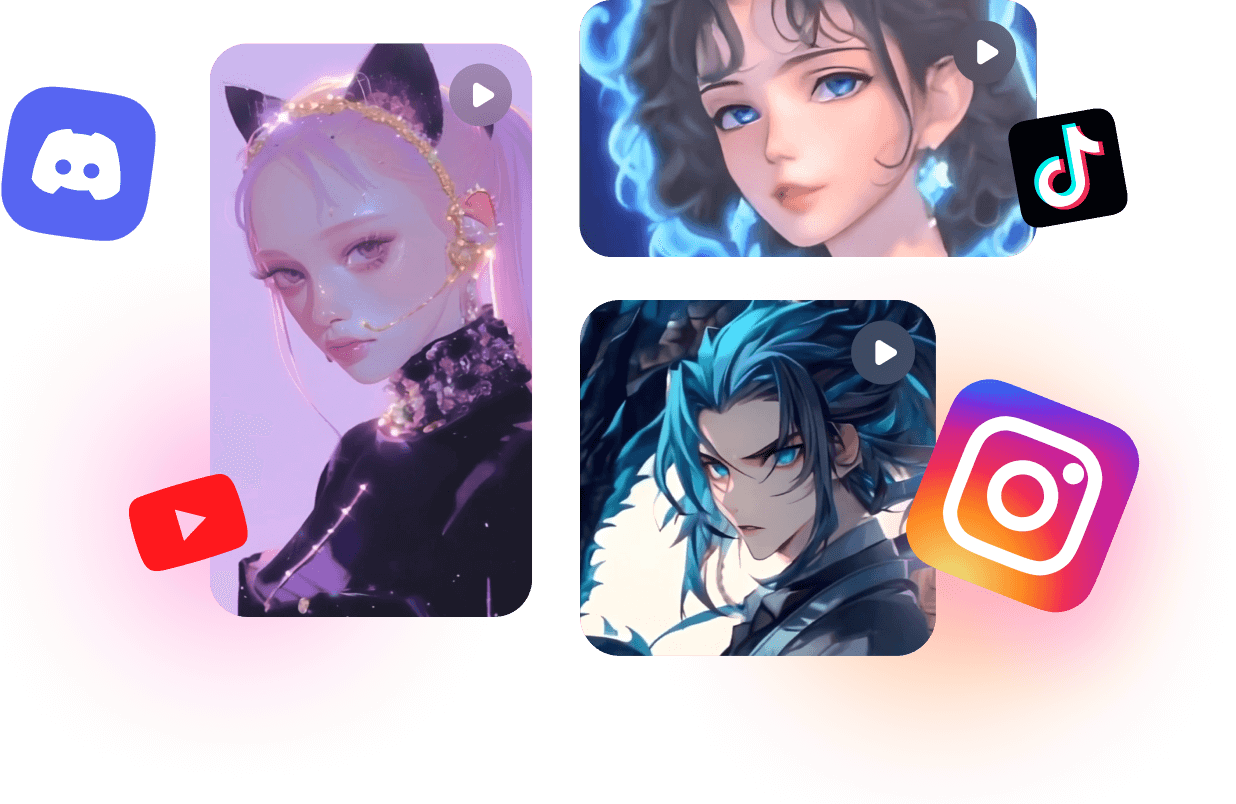
Create AI Animation Videos for Social Media
Easily generate AI animation videos tailored for social media. Whether you're sharing on Instagram, RedNote, or YouTube, Vidu allows you to customize the video size to fit any platform, with aspect ratios of 9:16, 16:9, and 1:1.
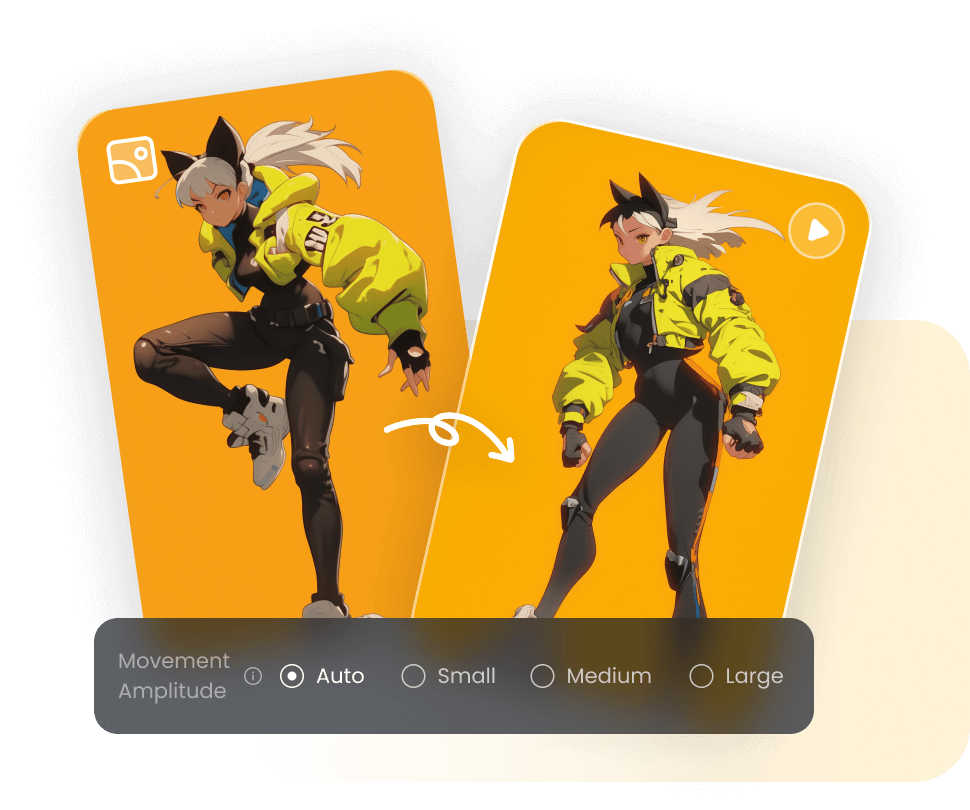
Control Movement Amplitude of Animation
Control the movement amplitude to create subtle or bold animations, tailoring the motion of your characters and objects to your desired effect.
How to Make Animated Videos
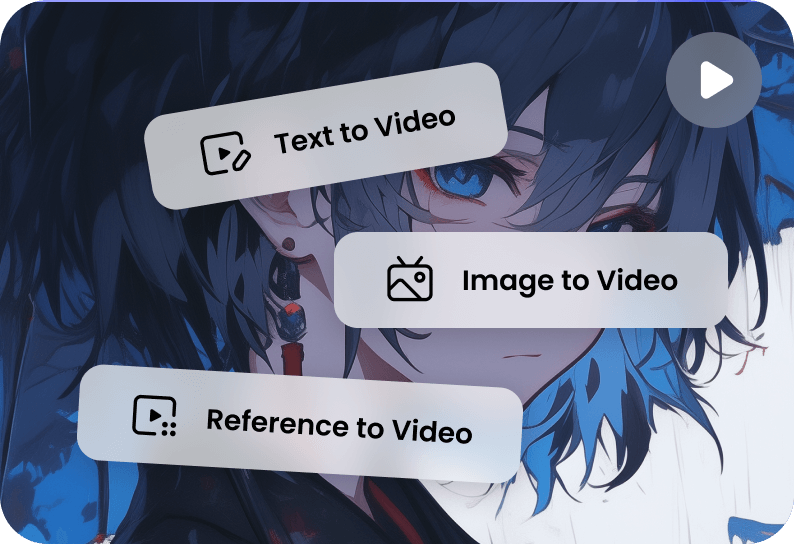
Choose the Feature You Need
Choose Text to Video or Image to Video to generate animations from text or images. Or select Reference to Video to merge elements from different artworks into one.
1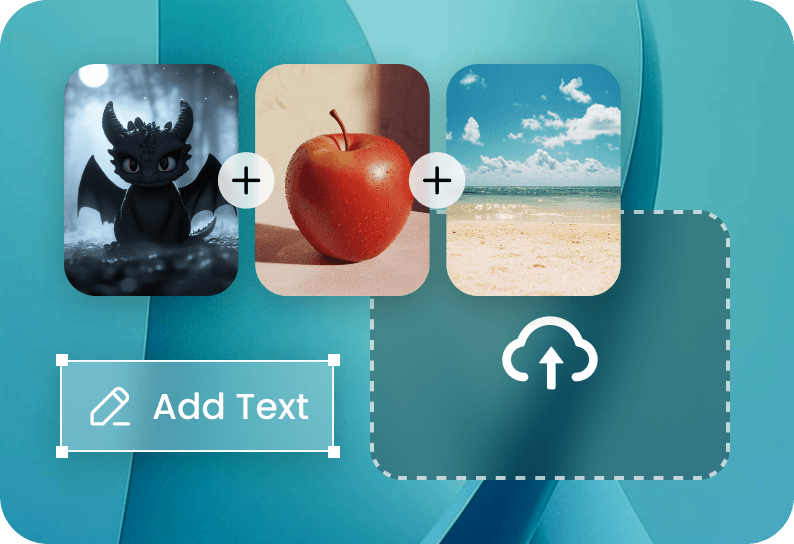
Upload Artwork or Enter Text
Upload your images—whether it's multiple angles of a character, characters, scenery, or objects, and describe your ideas or type your text prompt for animation.
2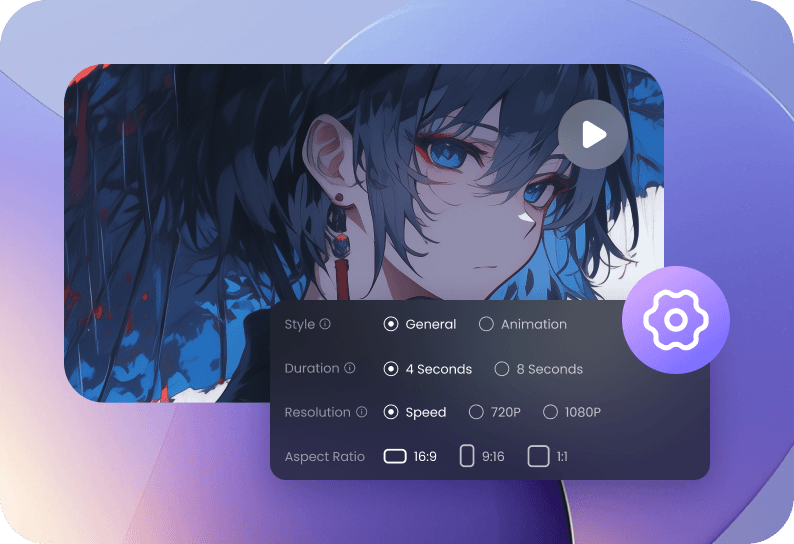
Choose Animation Settings and Create
For Text to Video, select Animation, set the duration, and aspect ratio, then click Create. For Text/Image to Video, choose animation settings and click Create.
3Choose Animation Settings and Create
For Text to Video, select Animation, set the duration, and aspect ratio, then click Create. For Text/Image to Video, choose animation settings and click Create.
3Choose the Feature You Need
Choose Text to Video or Image to Video to generate animations from text or images. Or select Reference to Video to merge elements from different artworks into one.
1Upload Artwork or Enter Text
Upload your images—whether it's multiple angles of a character, characters, scenery, or objects, and describe your ideas or type your text prompt for animation.
2Choose Animation Settings and Create
For Text to Video, select Animation, set the duration, and aspect ratio, then click Create. For Text/Image to Video, choose animation settings and click Create.
3Choose the Feature You Need
Choose Text to Video or Image to Video to generate animations from text or images. Or select Reference to Video to merge elements from different artworks into one.
1FAQs About AI Animation Generator
What is the best free AI animation generator?
Vidu AI animation generator is one of the best free options for creating high-quality AI animation videos. It allows users to easily generate animations from text or images and offers advanced features like merging characters, objects, and backgrounds. Vidu also ensures fast generation speed, making it a highly efficient tool for anyone looking to create animations quickly.
Can anyone make an animated movie?
Yes, anyone can make an animated movie with Vidu AI animation generator. Powered with cutting-edge AI image/text-to-animation ability, Vidu can generate animated characters, scenery, and anything in animation.
What is the best AI for cartoon animation?
Vidu stands out for producing high-quality cartoon animations with fast generation speed. You can create cartoon animations from text or images for free online in just three easy steps. With Vidu, users can create cohesive cartoon animations, ensuring consistent characters and scenery throughout the video.